Using Remote Desktop Connection on Windows: A Practical Walkthrough
Launch the client, connect to a remote PC, and run a smooth remote desktop session from your first try onward.
Read MorePractical articles on remote desktop sessions, keyboard shortcuts, client settings, tool comparisons, and remote access security
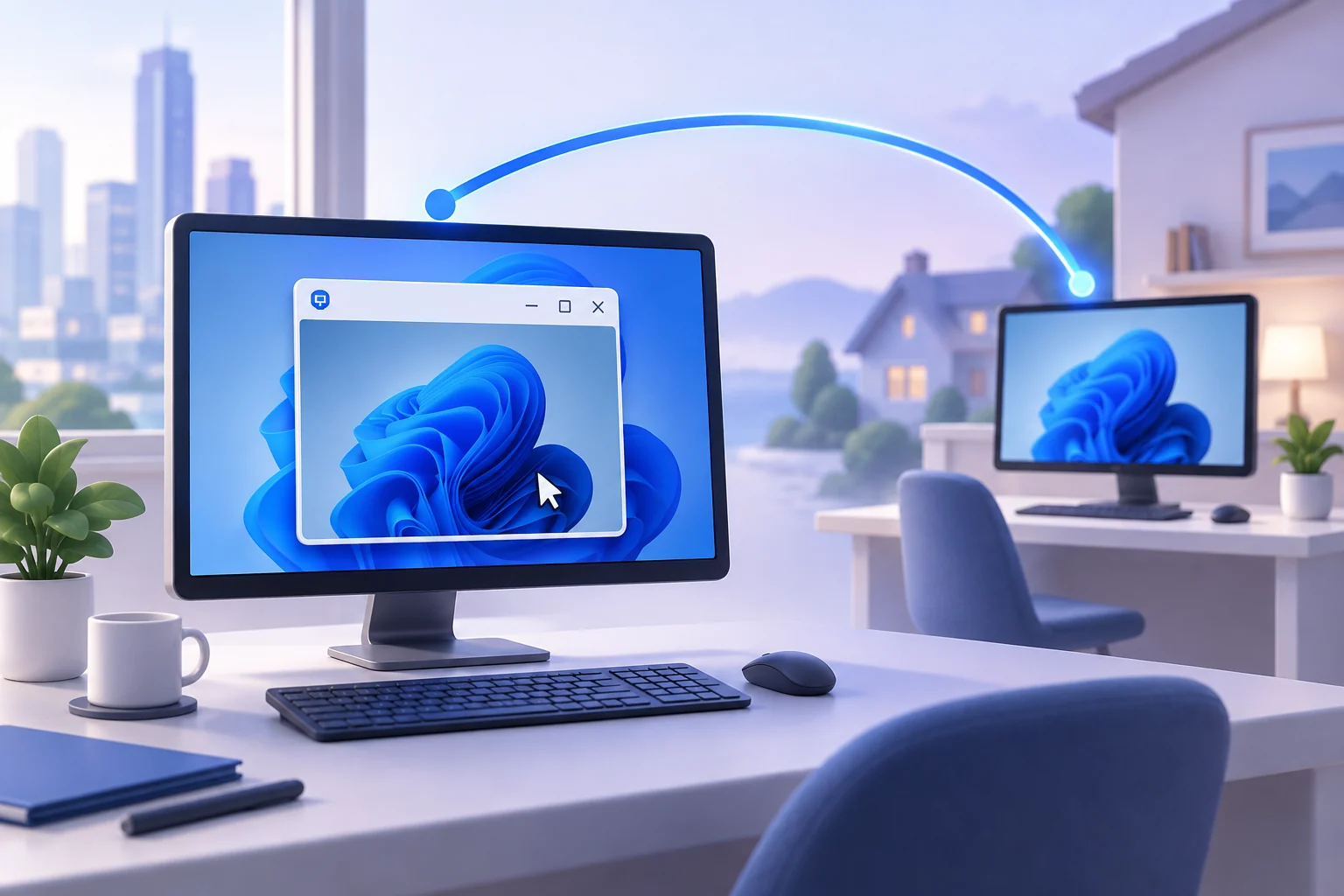
Launch the client, connect to a remote PC, and run a smooth remote desktop session from your first try onward.
Read More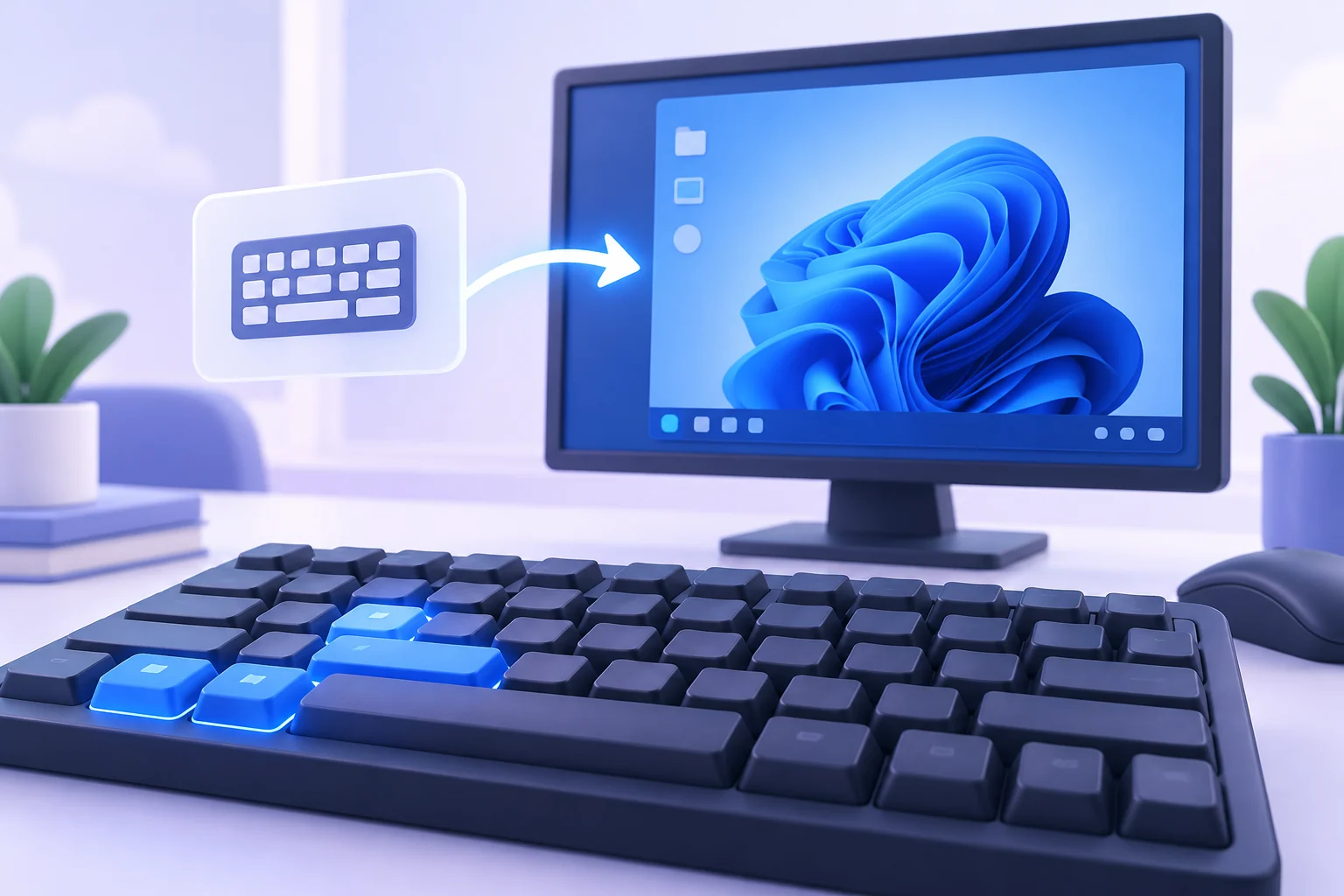
Send Ctrl+Alt+Del remotely, toggle full screen, switch programs, and capture snapshots with a few key presses.
Read More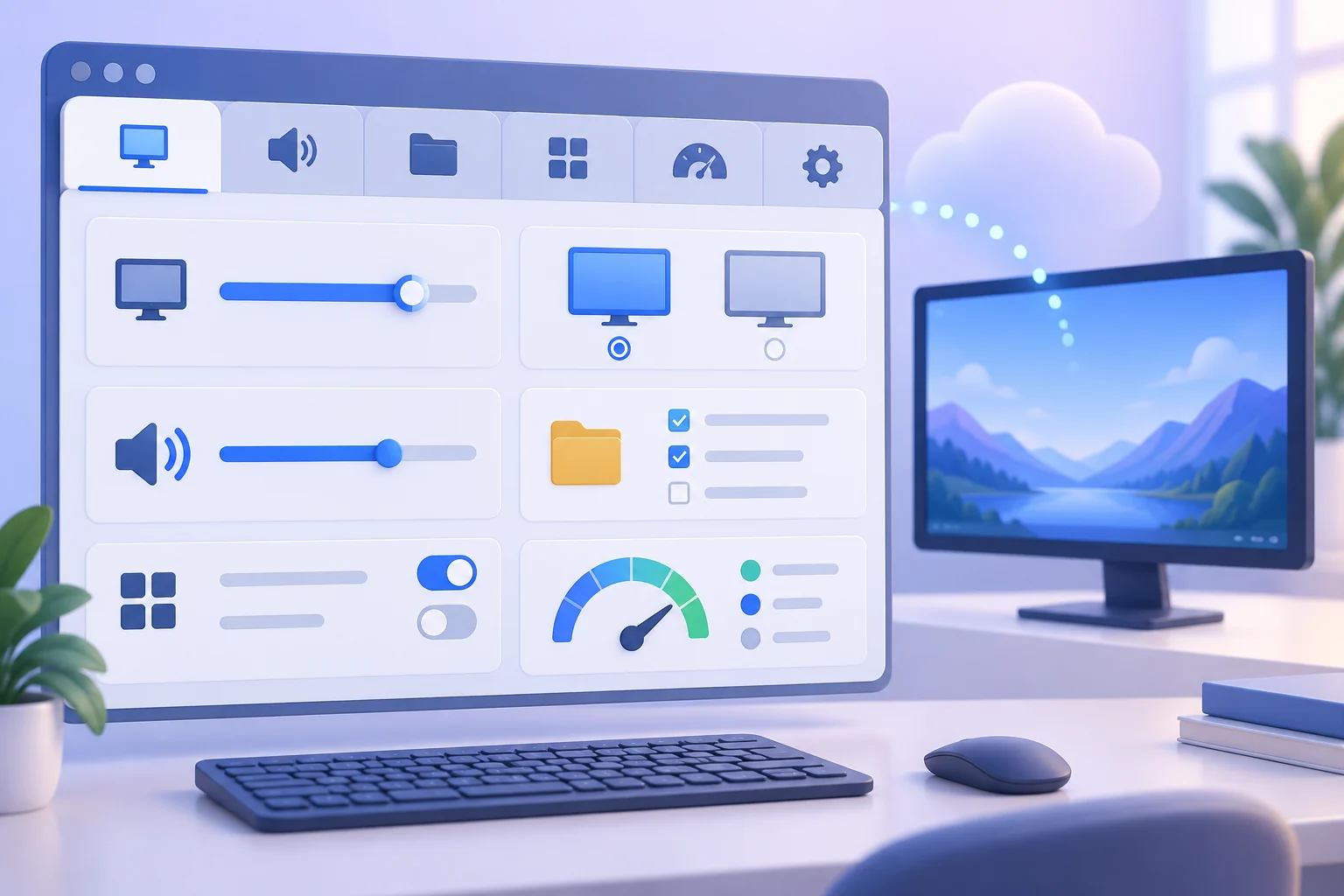
From display options to local resources and advanced gateway settings — configure sessions that fit the way you work.
Read More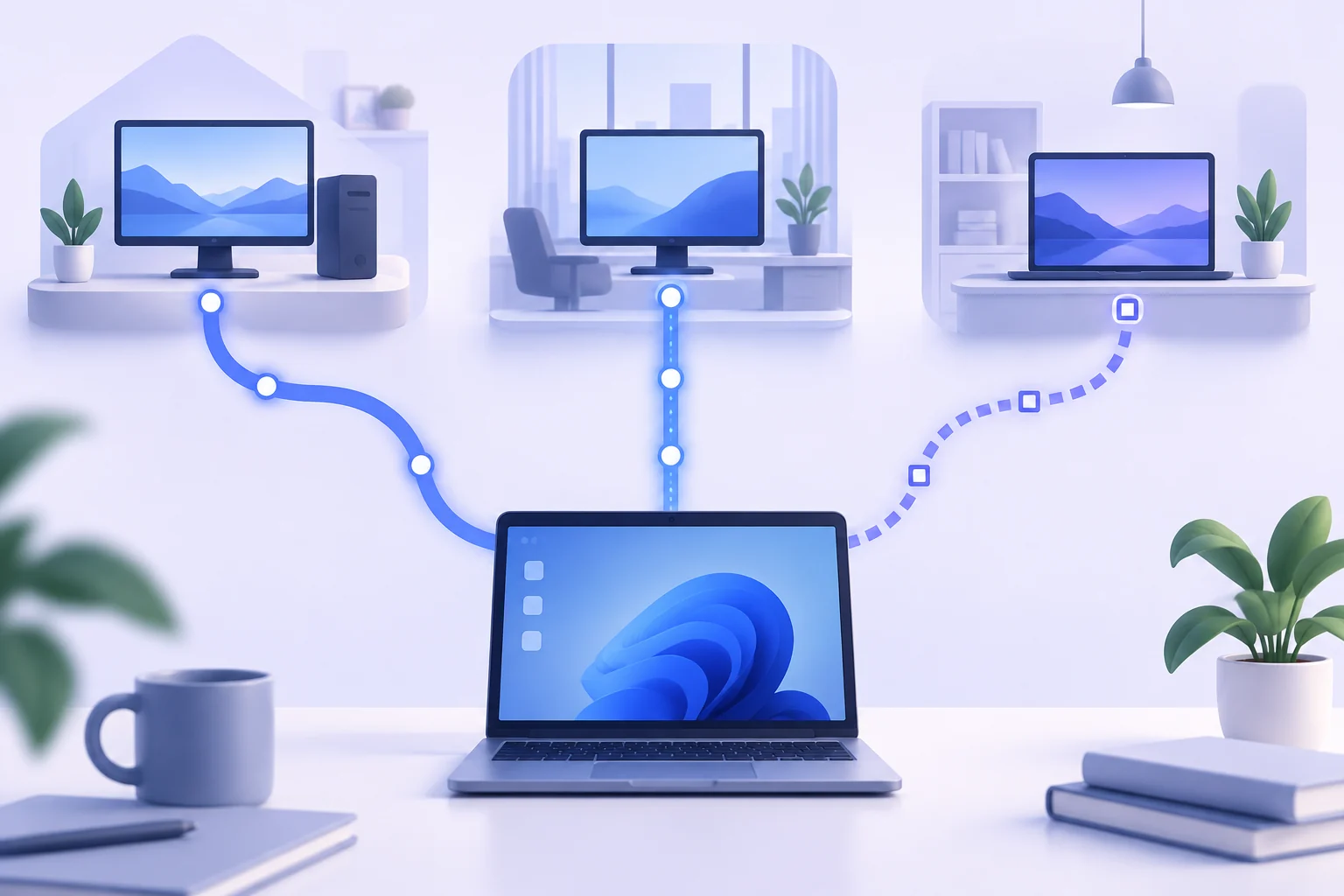
An honest comparison of cost, security, and performance across the three most popular remote desktop tools.
Read More
Network Level Authentication, VPN tunnels, lockout policies, and the habits that keep remote sessions safe.
Read More