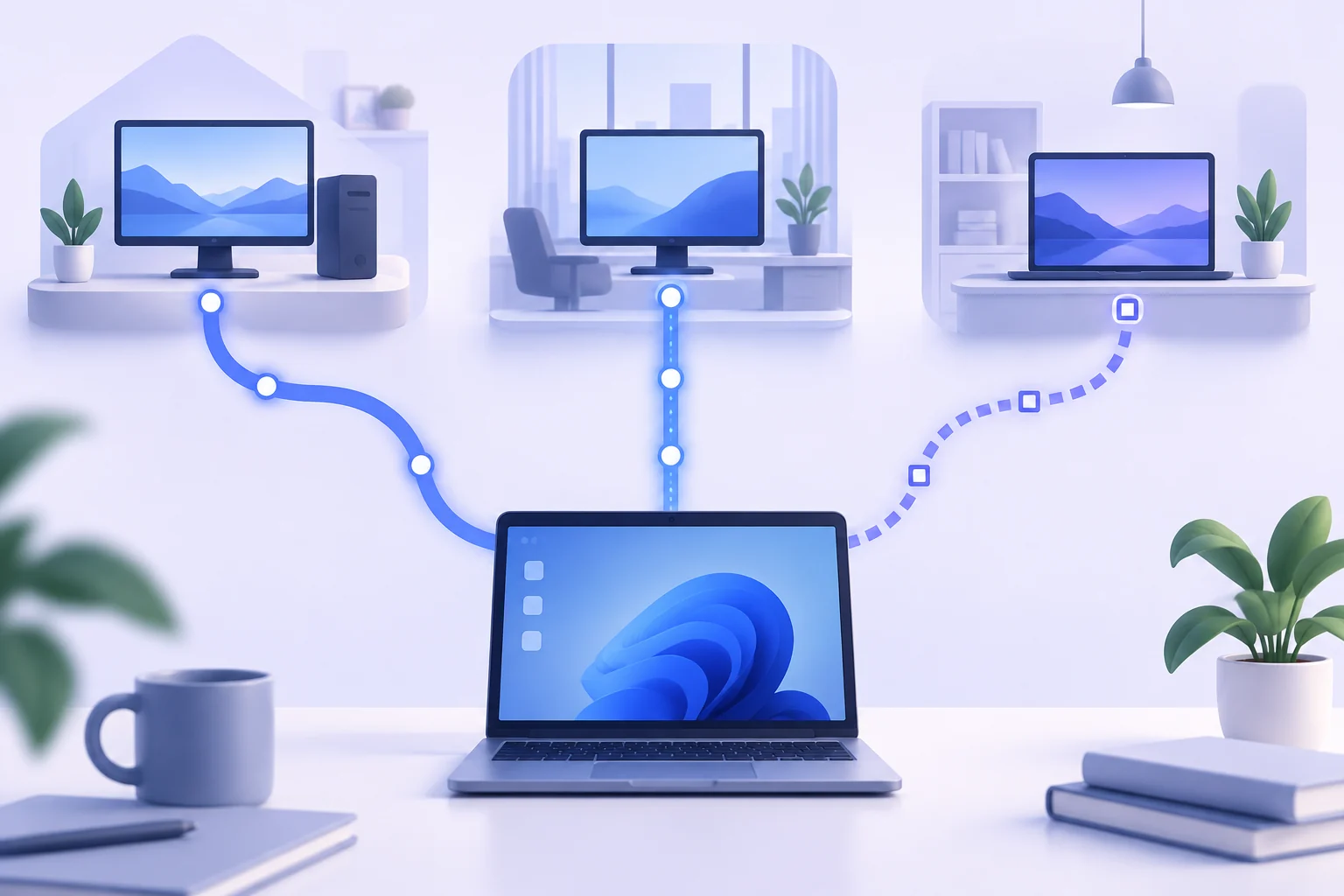
Three Tools, Three Philosophies
The remote desktop market is dominated by three names, and each embodies a different philosophy. Remote Desktop Connection is infrastructure: a protocol and client woven directly into Windows, authenticated by the operating system's own accounts, and paid for by the Windows license you already own. TeamViewer is a service: a polished application with a central account system, address books, and cross-platform reach, funded by subscriptions. AnyDesk sits between them: a lightweight proprietary tool with its own fast display engine, free for personal use and licensed for business.
Understanding those philosophies explains nearly every practical difference. A tool built into the OS never has a subscription invoice and never routes your keystrokes through someone else's cloud, while a service can reach machines across networks and NATs with zero configuration — a genuine advantage in specific situations. The right question is not which tool is universally best, but which philosophy matches your machines, your network, and your budget.
Cost: The Subscription Question
Remote Desktop Connection costs nothing beyond Windows itself, for one user or for a hundred, forever. TeamViewer's commercial licenses are famously among the priciest in the category, and its business model has grown increasingly aggressive: sessions flagged as "commercial use" on free accounts get cut off after minutes, and licenses have become notably more expensive over recent years. AnyDesk is gentler on the wallet with cheaper tiers and a genuinely usable free version for personal sessions.
Multiply a monthly fee by the number of technicians, the number of years, and the number of machines, and the arithmetic becomes decisive for organizations. A Windows Pro or Server environment that already runs RDP-compatible infrastructure pays nothing to switch on remote desktop access — and that quiet zero has kept Remote Desktop Connection the default answer in enterprises for two decades.
Security and Data Flow
With Remote Desktop Connection, the session path can be entirely under your control: on a LAN it travels only across your own network, and across the internet it is commonly wrapped in a VPN or RD Gateway. Authentication is performed by Windows itself, which means domain policies, account lockouts, and Network Level Authentication all apply automatically. No third party ever sees your screen, your credentials, or your files — the vendor cannot see your traffic because the vendor is not in the path.
TeamViewer and AnyDesk relay sessions through their own infrastructure (with some direct-connection optimization), which is convenient but means trusting a vendor's cloud with every session. Both vendors encrypt traffic and have added post-quantum options, but the architectural fact remains: your session crosses infrastructure you neither own nor audit. For organizations with strict compliance requirements, that distinction alone settles the debate.
Where the Competitors Genuinely Win
Honesty requires acknowledging the strengths of the other two. Neither TeamViewer nor AnyDesk requires the remote machine to be reachable on your network — both tunnel through their cloud, so you can help a friend's laptop behind a hotel firewall in minutes, with no VPN and no port configuration. AnyDesk's display engine is remarkably light on bandwidth, making it pleasant on terrible connections. TeamViewer's address book, session recording, and mobile apps form a support workflow that RDP alone does not provide.
Meanwhile the gaps on the RDP side are narrow but real: connecting to a Windows Home edition host requires workarounds, and reaching a machine through arbitrary NATs requires either a gateway or cloud desktop infrastructure. If your need is occasional "help a relative" sessions across the internet, the proprietary tools are genuinely the path of least resistance.
The Verdict
For managed Windows fleets — offices, servers, labs, and home workstations you administer — Remote Desktop Connection wins on cost, security architecture, and depth of integration, and it loses almost nothing in usability once a session is established. For unmanaged machines outside your network, keep TeamViewer or AnyDesk in the drawer as a utility. Most professionals end up using both, each where it is strongest. To explore the client's own capabilities further, the feature overview on our Remote Desktop Connection homepage is the natural next stop.